
On Every Screen
Last, the layout for every screen. The page was made mobile first, and we've added two things to it that need a different layout on a phone and on a computer:
- The header now has links to the parts of the page and a Menu button. On a phone, there's room only for the logo and the Menu button. From 768 px up, the links stand in a row instead, 24 px apart, and the Menu button is gone.
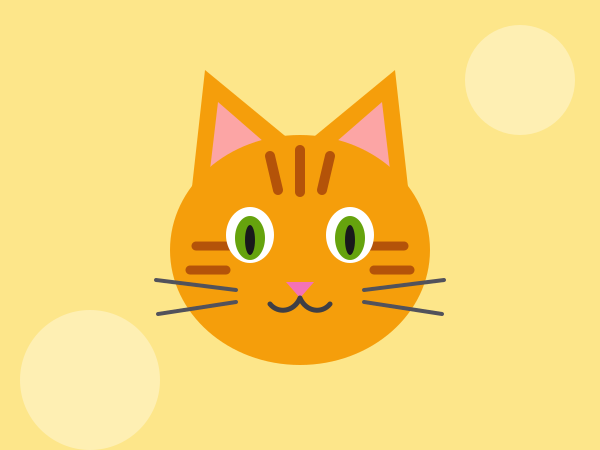
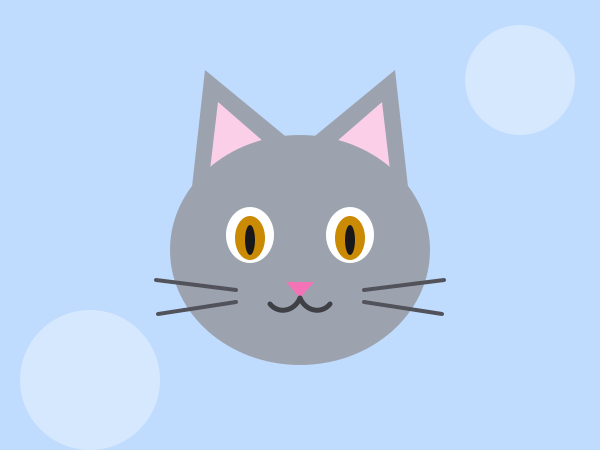
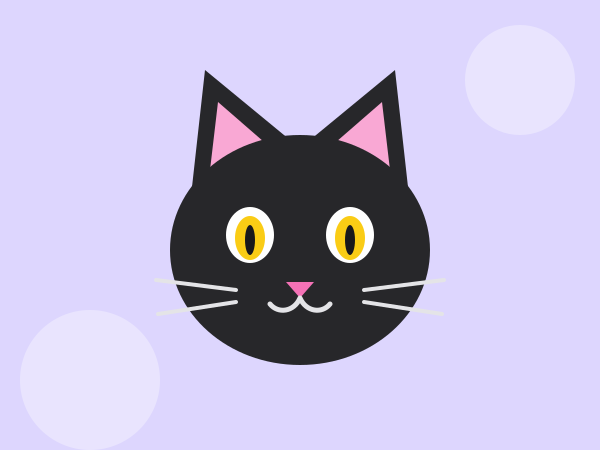
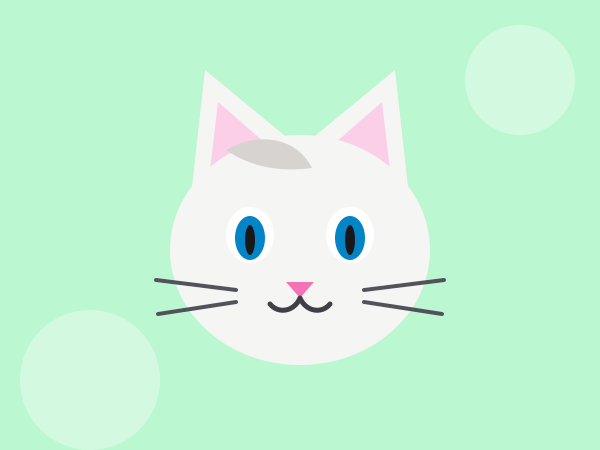
- At the end of the page, there are photos of the café's cats. They're squares, not squashed, 16 px apart, and together they fill the width of the page: two in a row on a phone, and all four in one row from 768 px up.
On a phone
From 768 px
Switch between 375, 768 and 1280 px in the Preview width bar to see both layouts. The checks look at the layout for the width that the preview has when you run them, and they check that your classes change it at a breakpoint.
That's the whole page. The café's website is easy to read, reacts to its visitors and works on a phone just as well as on a computer. In the next lesson, Dark Mode, you'll give a website dark colors for everyone who prefers them.
Instructions
Start programming for free
3/3